

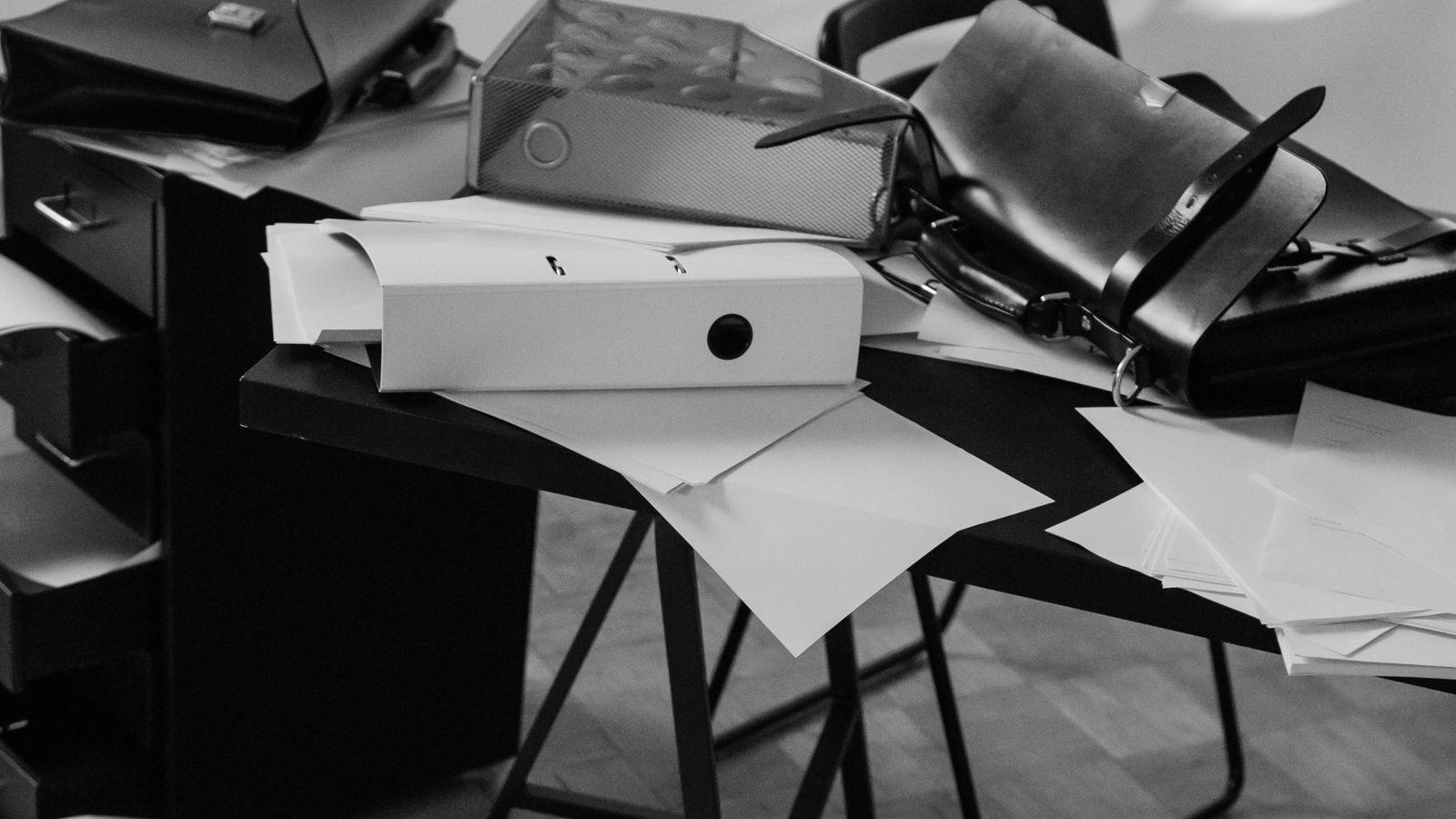
My view on the new desktop agents is simple. Write two lists before one touches a folder. This month, a major lab released a desktop AI agent that can work with the files and apps on a person’s own machine, instead of waiting for work to be pasted into a chat. The first list is tidy, checkable work to hand over. The second is work that stays behind the line until trust is earned. Picture the computer at your front desk, say in a Banff tour office as an example, with a client file beside last year’s records and a download folder full of forms with clashing names. That’s where I’d start sorting.
For a Canadian firm the second list isn’t optional. The privacy commissioners’ principles for generative AI tell organizations to put personal information into AI tools only where that use is authorised.
The old handover was small enough to see. A person pasted a document into a chat, read the answer, and decided what happened next. The new handover starts closer to the filing cabinet. The work lives in folders, shared drives and everyday apps, and the agent can be directed to work there. The owner’s job is to set a boundary the whole firm can repeat.
What changed when the agent left the chat box?
The unit of trust changed from one answer to a body of work. A chat answer can be read, questioned and thrown away before it touches anything. Work inside your files can sort, draft and rename the material other people rely on.
Each job may be small. Together, they form the record your clients and staff trust. It’s a different shape from a task you set on a timer, because here the agent works inside the files themselves.
Under the owner’s direction is the part to hold onto. The agent may be able to reach a folder, but reach and permission are different decisions. A firm still chooses the job, the source files, the checker, and the point where the agent stops. The owner’s hand has to stay on the handover.
Access is a decision before it is a setting.
What belongs on the first list?
Work that is tidy, checkable and easy to undo belongs on the first list. Tidy has a plain test. The right file is in the agreed place, the current version is clear, and no rival copies carry near-matching names.
Checkable has a plain test too. A person can compare the result with the source and say, within a minute or two, if the job was done right.
Start by sorting downloads into named folders by the team’s rule. Turn meeting notes into a list of actions, owners and dates. Compare two versions of a schedule and flag each change. Build a draft of an internal report from files the team already trusts. Each result stays a draft until a person checks it.

What stays behind the line?
Client records, money work and anything that leaves the building stay behind the line. Client records include contracts, private messages, account details and the files a client gave you in trust. Money work includes payments, refunds, payroll, bank changes and final invoices.
Sending work includes messages, proposals and reports that a client will read as coming from your firm.
The line also covers the originals. During the trial, the agent works on copies or drafts, and a person approves any change that moves, sends or replaces a file. Client-facing words need the same pause. Some AI-written text may already be labelled, and a person from your firm should make the call about what goes out. The habit matches the one I set out for pricing tools, to write your rules first while everyone is calm.
How does an agent earn more room?
It earns more room through a small record of checked work. Give it one job from the first list, one folder, and one named checker. Keep the originals protected. Write down the request, the result, and what the checker had to fix.
Those notes are the track record. I’d want a month of them before widening anything, and only then would I let it become an agent that watches and flags on its own.
Widen the work only after the same kind of job has come back right more than once. The mistakes matter as much as the clean runs. They show which files are less tidy than you thought and which checks need a sharper eye. If a job touches a client record or a money decision, it stays behind the line until that record is long, plain and boring to read.
The two lists, side by side.
| First list: hand it over | Behind the line: keep it |
|---|---|
| Sorting downloads into named folders | Client records and contracts |
| Meeting notes into actions and owners | Payments, refunds and payroll |
| Comparing two schedule versions | Original files |
| Internal report drafts from trusted files | Anything sent to a client |
How do you write your two lists this week?
Take one hour and write the two lists with the person who knows where the files really live. On the first list, name three tidy jobs. Beside each one, write the source folder, the result you want, and the checker.
On the second list, name the records, money work, originals and outbound messages the agent stays away from for now. Then pick the smallest job on the first list and run it as a checked trial.
Put the lists where the team works, not in a drawer. When somebody asks if the agent can take a new task, start with the lists, then the trial record. Sorting tidy work from line work is part of the AI Strategy Roadmap.
Short answers on desktop AI agent
What is a desktop AI agent?
An AI agent that works with the files and apps on a person’s own computer instead of waiting for text pasted into a chat. It can sort, draft and rename the material other people rely on, which changes the unit of trust from one answer to a body of work.
What work should a desktop AI agent do first?
Tidy, checkable work that is easy to undo. Sorting downloads into named folders, turning meeting notes into actions and owners, comparing two versions of a schedule, or drafting an internal report from trusted files. Each result stays a draft until a person checks it.
What should a desktop AI agent stay away from?
Client records, money work, original files and anything that leaves the building. During the trial the agent works on copies and drafts, and a person approves any change that moves, sends or replaces a file or reaches a client.
Book the hour with whoever knows where your files really live, and write both lists. I cover setups like that every Friday in the AI Newsletter with ZAK.


3 Comments